
You're in
You've officially unlocked MZ-Open.
Let's earn some MEPs.
Get started with MZ-Open
Follow these simple steps to get your smartwatch set up on Myzone:
1. Open the Myzone app. If you haven't already downloaded it, please do so now.

2. [Android only] Download the Myzone app for your smartwatch:
Open Myzone in the App Store > Navigate to 'Installed on devices' > Select your smartwatch device
3. In the Myzone phone app go to Menu > Devices > Select your smartwatch option
4. Follow the on-screen steps to sync your smartwatch
New to Myzone?
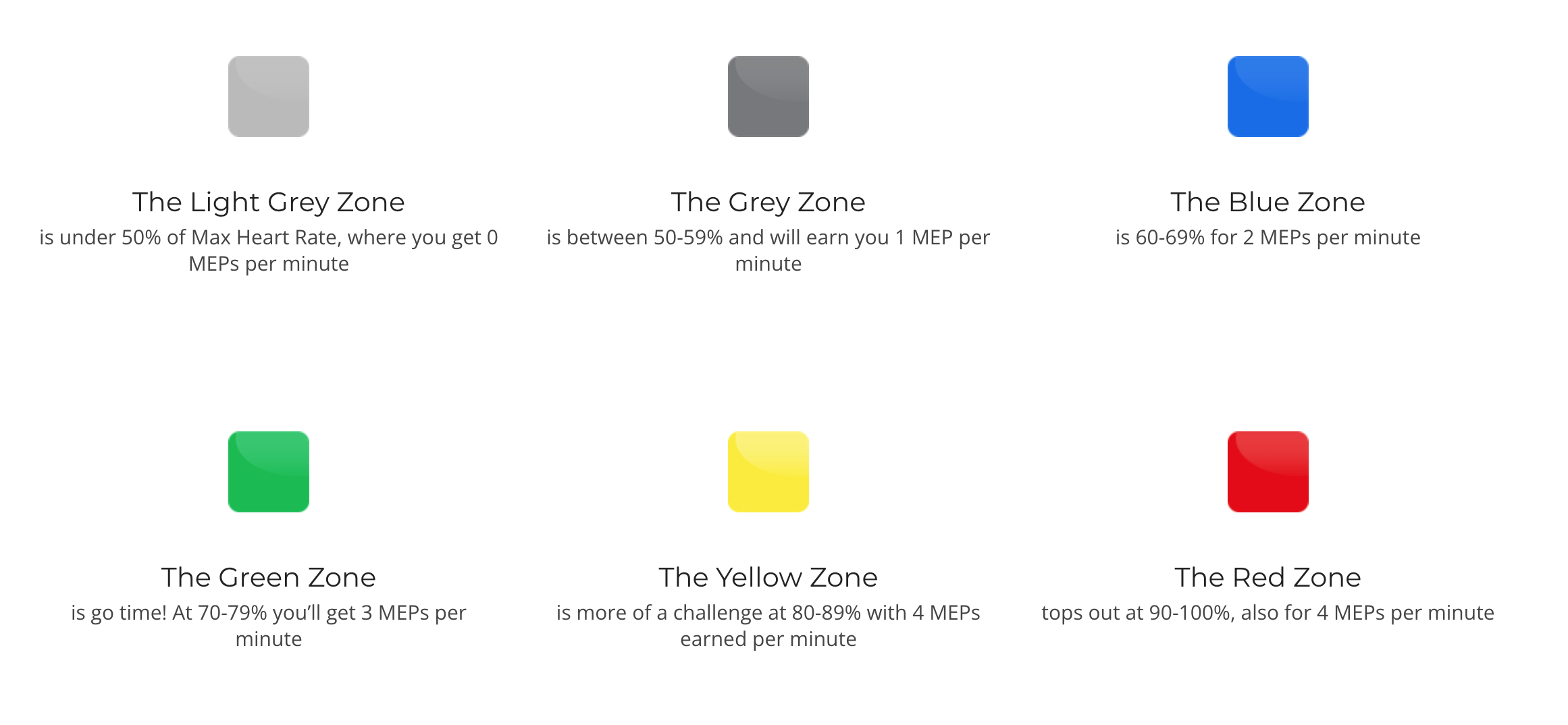
Now you’re able to choose your connectivity and start earning Myzone Effort Points (MEPs), our global currency, with your smartwatch. MEPs are tailored to how hard your heart is working, and not just your fitness level or ability.
See below for how you’ll be rewarded for every minute that you’re exercising.
For more information read about heart rate training simplified.